A big announcement was made by Affinity (now owned by Canva), which prompted me to open it up again for the first time in a few years.
I’ve always like the software, but whilst having access to Adobe through work, I’d been happily chipping away in there. The announcement making it FREE was an offer too good to pass up. I redownloaded and thought I would get right into it with a task I’d been putting off - properly designing the rulebook for print.
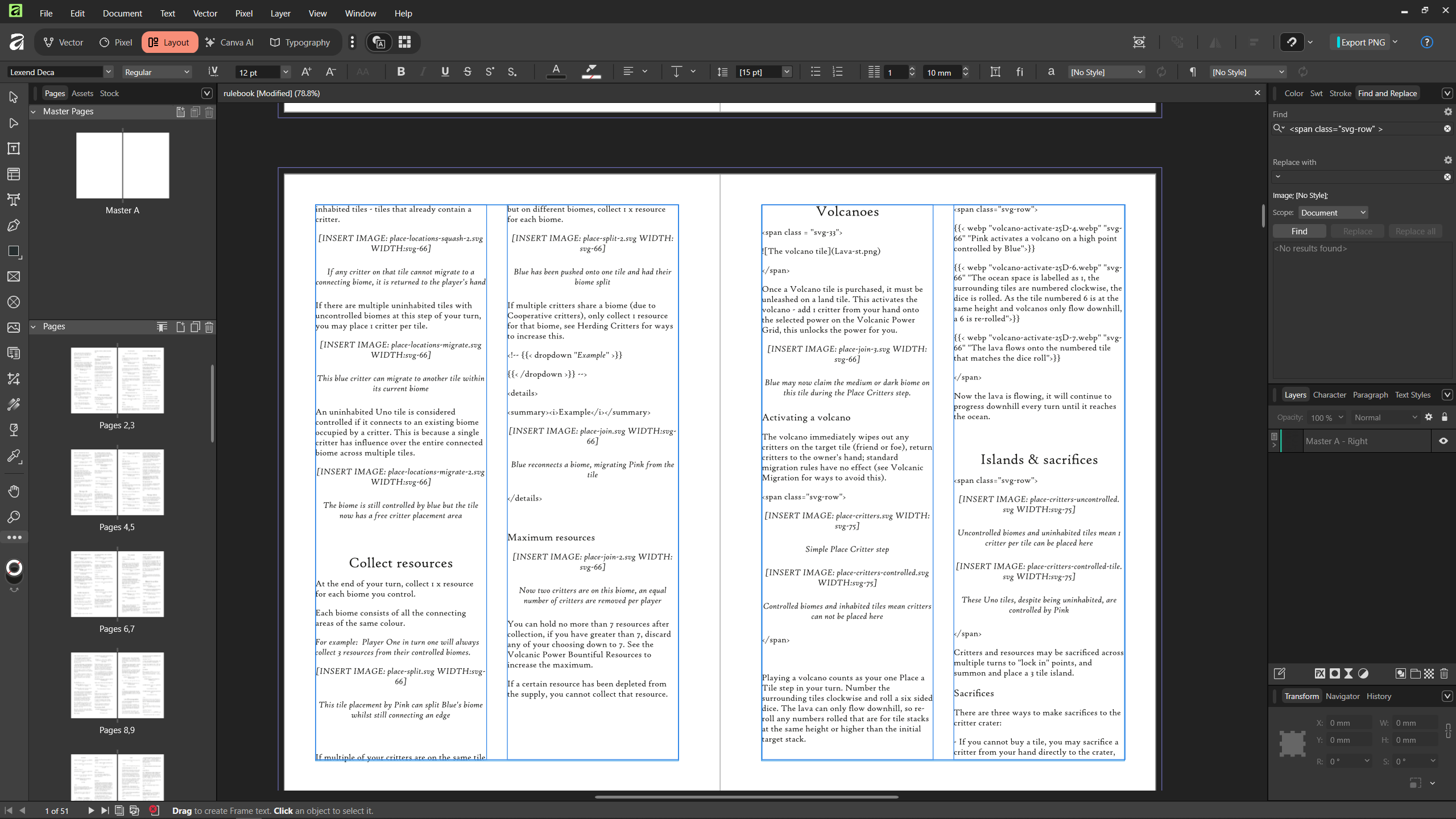
Rulebook AF
Now, about a month ago I made the /rules page print quite neatly. But it was getting incredibly cumbersome to juggle a bunch of new classes to hide elements that were required for print. There must be an easier way.
Queue a much harder way.
The dream
From the dynamic rulebook I have here that is version controlled through Github, I want it to output two styles:
- Style 1: The main website, regular html page
- Style 2: The “clean” print version, whatever filetype that may be
This way, any changes I make to the online ruleset, will be able to populate relatively automatically to my print design file.
In practice this was pretty tricky to get working. The first step was to realise I couldn’t just import an html file to Affinity layout like I believe InDesign can.
I found some interesting processes people had come up with impressive ways to convert Markdown for Affinity using Regex (shudder), and I was almost happy to continue down that pathway until I realised that I would have to do these complex ctrl + find/replaces every time I made changes.
(https://allaboutchris.org/blog/2023/using-markdown-styles-with-affinity-publisher-2/)
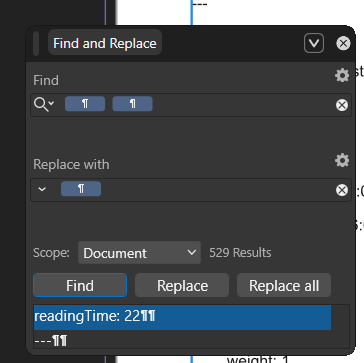
NAY I said, and kept searching.
Pandoc was the next most likely candidate, but due to silly fancy things I’d put into my rulebook (like displaying vector images to make the page run faster and have crisp crisp zoom capabilities), Pandoc freaked out when I tried to feed it my html files to convert.
Next up was going back to Hugo’s (the site generator this website is made with) capabilities of multiple outputs per page.
All the components had nearly clicked.
I tried for a while to get it to directly output RTF (rich text format files), clean Markdown (ended up as html) and various other combinations.
The answer
The answer ended up being to add some print break codes into my image (svg and webp) shortcodes. These shortcodes tell Hugo to render images in a certain way, the additional flag told it ‘hey, on the print version…just like…make it obvious we don’t want these’. We were on.
Now Regexp even made a comeback for further tidying up the html (but automatically when I build the site), in a function called clean-print that, maybe unsurprisingly, cleans the print file.
So the previously mentioned Style 1 I was after is still regular ol’ ‘single.html’ with all the image viewing and search capabilities, but in my configuration file and on the rulebook page, I have an additional ‘PRINT’ output format named ‘single.print.html’, and this gem is my Style 2.
Here’s single.print.html at time of writing:
| |
Then here’s the cleaning function that runs every time I save the rules:
| |
Next up I’ve got a little script that runs Pandox to convert my cleaned html to a docx file, which Affinity Layout seems to have the best integration with.
Then finally, we can Place this into Affinity Layout into premade master template that has columns, bleed, page numbers, slots for images and all the good stuff.
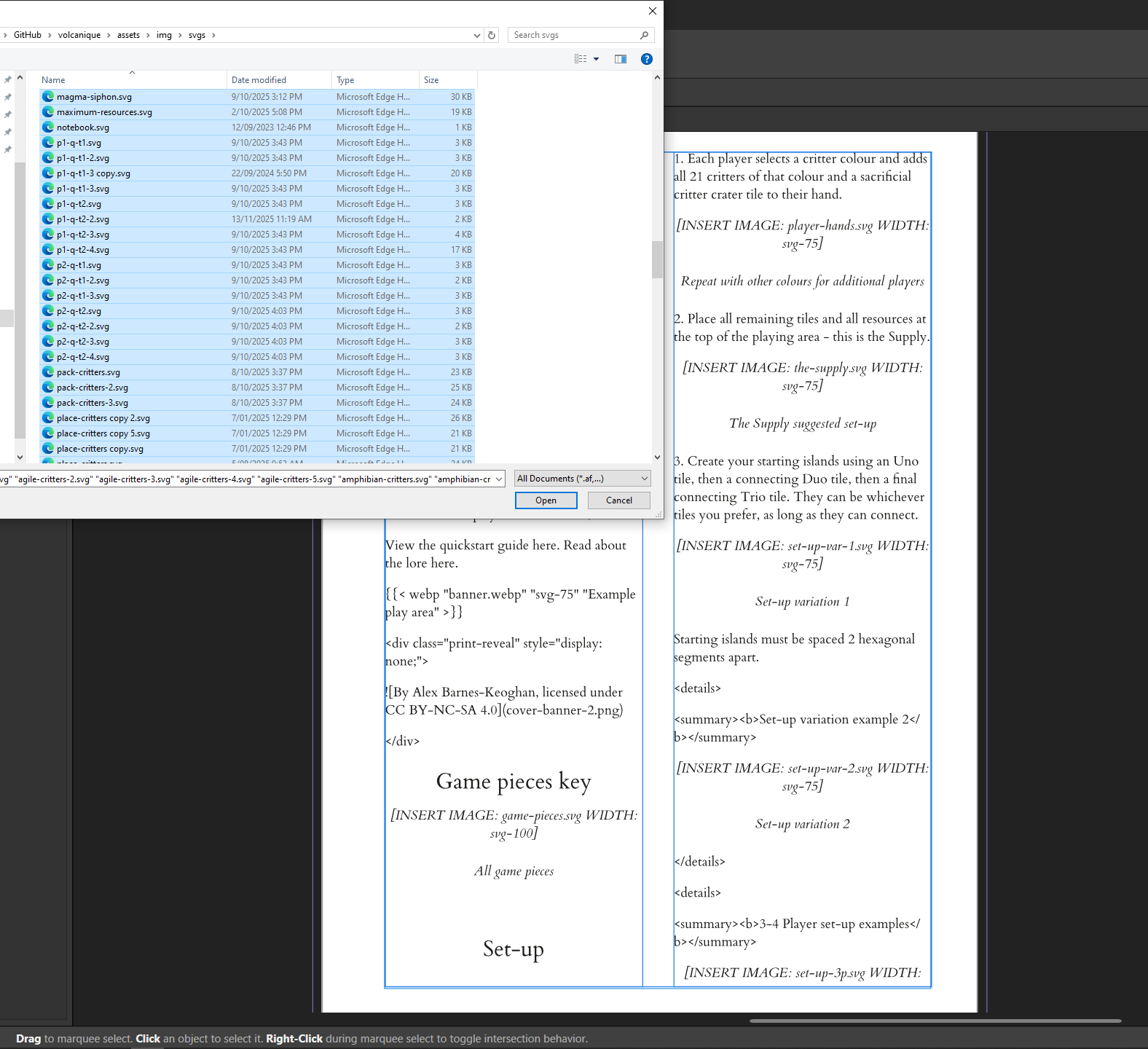
Yes I have to manually create spaces for where all the images go. That part is definitely painful and I think if I correctly configure Pandoc we can roll with the svgs, but for now, this means I can use Affinity’s nifty picture frame tool to bulk place lots of images…though mine aren’t named sequentially. So that’s an hour-of-power clean up of the 150ish images at some point.
But once you have them in order, you can fill every slot in order with all the images from the same folder my website uses. Now that feels worth it.
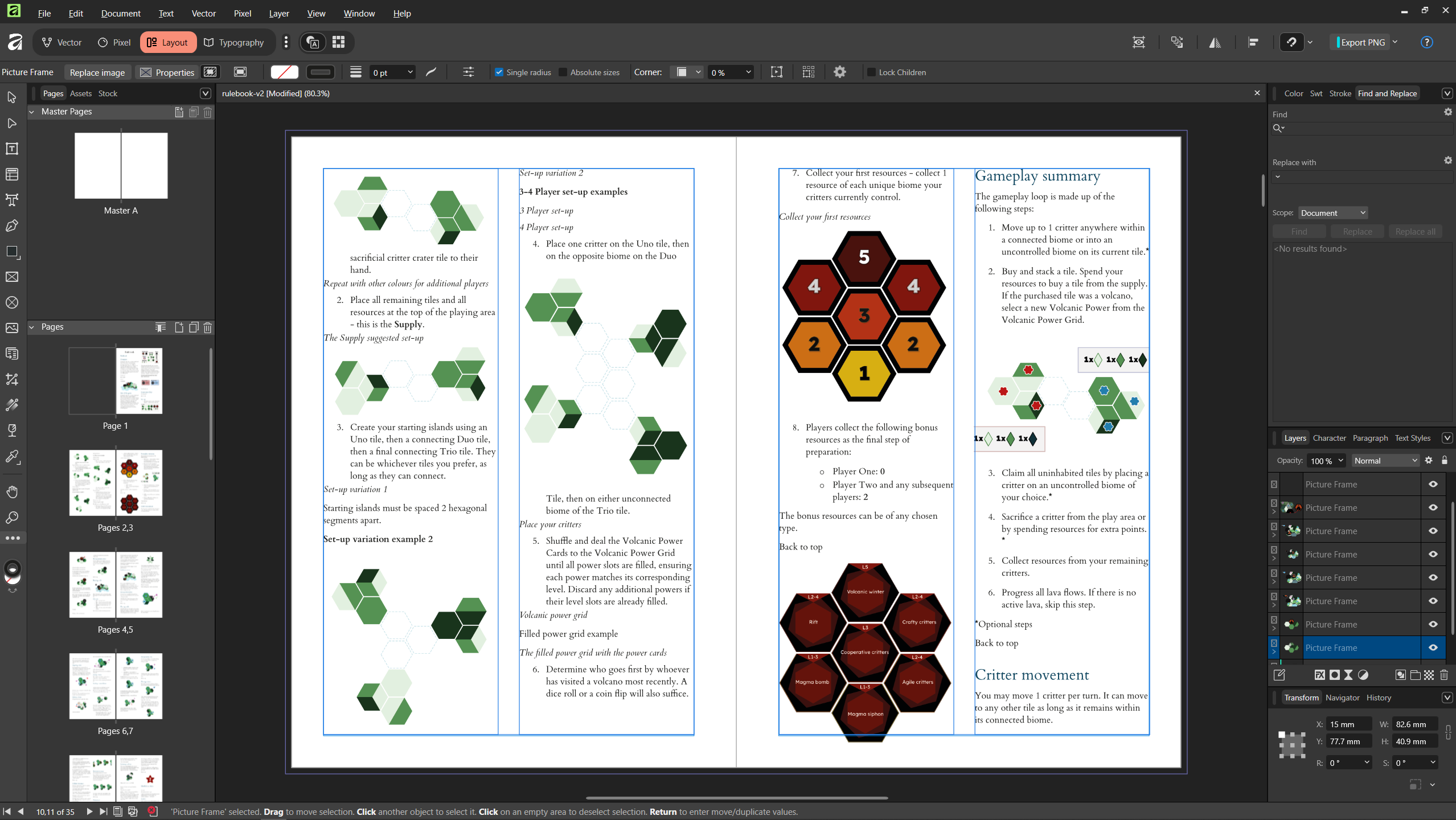
Obviously need to actually format it now and see how well the mapping styles stick between Word to Affinity, this all might have been for nothing, but it was a fun investigation into what’s possible.
Final thoughts
Would it be easier to go in reverse from say, a Word doc/Affinity layout to a website? Quite possibly.
The good thing about the website building is I have to be relatively structured with where the images live otherwise the website simply will not build.
I also feel like the web version is a less final one than that of the print. I find it easier to make changes to a rulebook that is not perfectly laid out with the exact images in the exact space with the exact amount of text surrounding it.
The print layout version does feel closer to the final step.
Lava your comments here
Loading comments...